



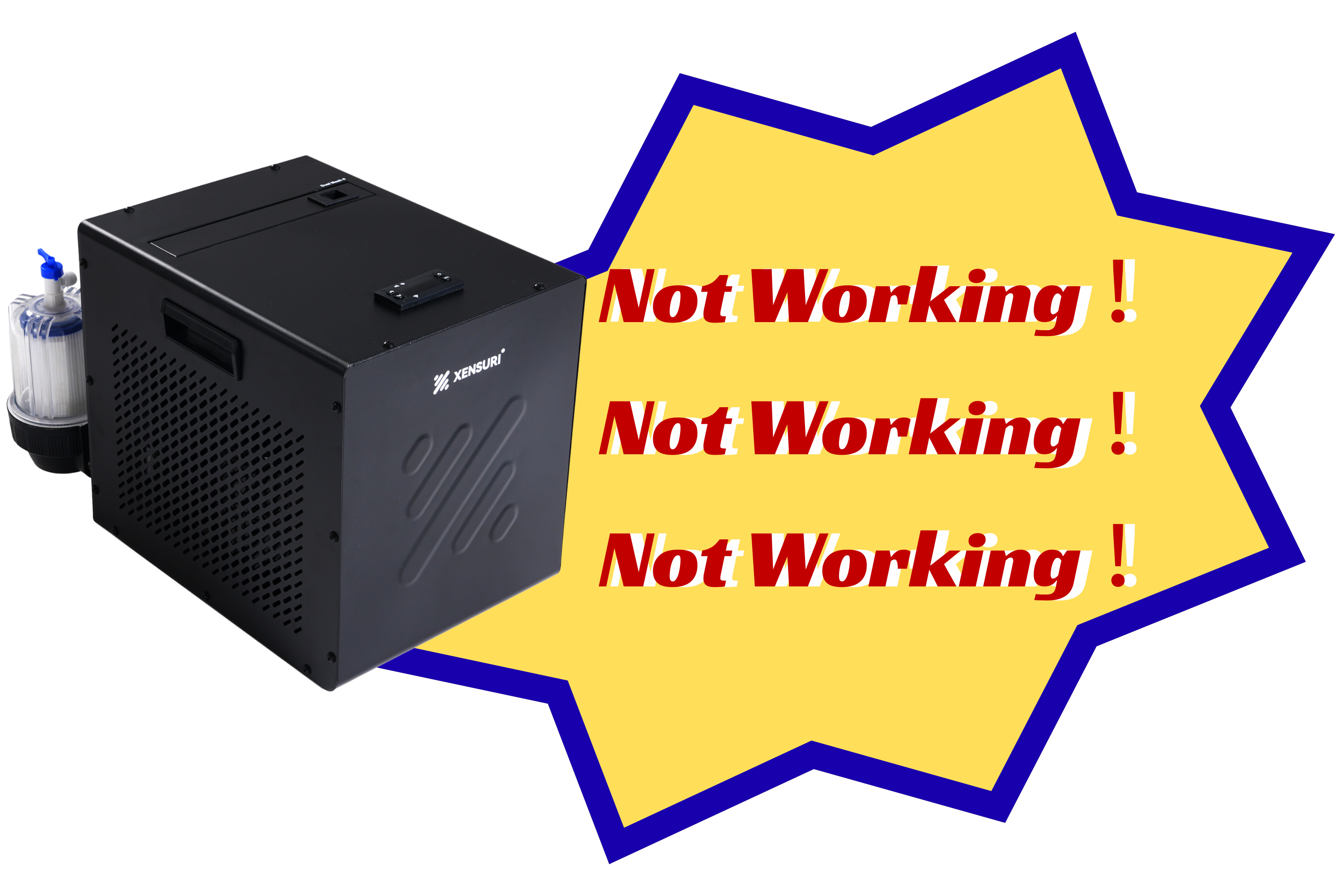
If your Chiller Mini 2 displays an error code, it means the water circulation system has detected an issue that needs attention.
This guide explains all Chiller Mini 2 error codes, their meanings, common causes, and how to fix them quickly to restore normal operation.
E1 – Water Temperature Sensor Error
What it means
The system cannot properly read the water temperature. This is commonly caused by air trapped in the water lines, low water levels, or unstable water circulation.
How to fix E1 error
- Turn off the unit and unplug it.
- Ensure the tub and hoses are completely filled with water.
- Fully remove air from the water circulation system (prime the system).
- Check that all hose connections and tub valves are fully open.
- Restart the unit at normal room temperature (not frozen or overheated).
If the Chiller Mini 2 E1 error appears again after restart, contact support with a video and confirmation that the system has been fully purged of air.
E2 – Water Flow Error
What it means
The system has attempted multiple pump restarts but cannot detect proper water flow. This usually indicates blockage or air in the system.
Common causes of E2 error
- Clogged or dirty filter
- Air valve on the filter housing not fully closed
- Loose hose connections
- Air trapped in the pipes
- Blocked water flow path
How to fix E2 error
- Turn off the unit and unplug it.
- Clean or replace the filter.
- Check all hose connections for tightness and leaks.
- Prime the system properly before restarting (ensure the filter housing is filled with water).
- Confirm the air release valve is fully closed.
Restart the unit after completing all steps.
If the Chiller Mini 2 E2 error persists, contact support with a video of the issue.
LLL – Low Temperature Protection
What it means
The system detects water temperature below 32°F (0°C) and activates low temperature protection.
Common causes
- Water is frozen or near freezing
- Cold outdoor environment
- Pipes not filled with water
- Poor water circulation or pump issue
- Temperature sensor malfunction
How to fix LLL error
- Turn off and unplug the unit immediately.
- Move the unit to a warmer environment if needed.
- Ensure all pipes are fully filled with water.
- Remove air from the system to restore circulation.
- Wait until the water temperatures rises above 32°F (0°C).
- Restart and monitor the unit.
⚠️ If the LLL error on Chiller Mini 2 appears under normal indoor conditions, contact support with a video.
HHH – High Water Temperature Warning
What it means
The system detects water temperature above 131°F (55°C), exceeding the normal operating range. Cooling performance may be reduced.
Common causes
- High ambient temperature
- High inlet water temperature
- Direct sunlight exposure
- Poor ventilation
How to fix HHH error
- Ensure at least 20 inches of clearance around the unit.
- Keep the unit away from direct sunlight.
- Improve airflow and ventilation.
- Use accessories like an insulated lid or protective cover.
- Add cold water or ice if necessary.
If the Chiller Mini 2 HHH error continues under normal indoor conditions, contact technical support for further assistance.
Final Tips for Chiller Mini 2 Troubleshooting
- Always ensure proper water circulation before operation
- Keep the system fully primed (no air in pipes)
- Regularly clean and maintain the filter system
- Avoid extreme temperature environments


Leave a comment
All comments are moderated before being published.
This site is protected by hCaptcha and the hCaptcha Privacy Policy and Terms of Service apply.